IN THE CRM
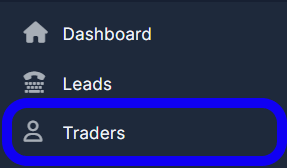
1. Go to the "Traders" tab in the left menu.
2. Find the trader whom you want to change a currency for and click on the "View" button under his name.

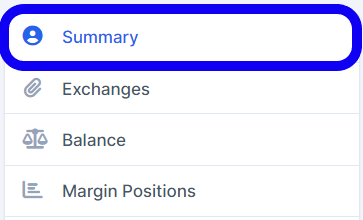
3. Choose the "Summary" category.
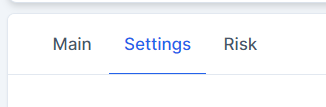
4. Click on the "Settings" tab at the top.
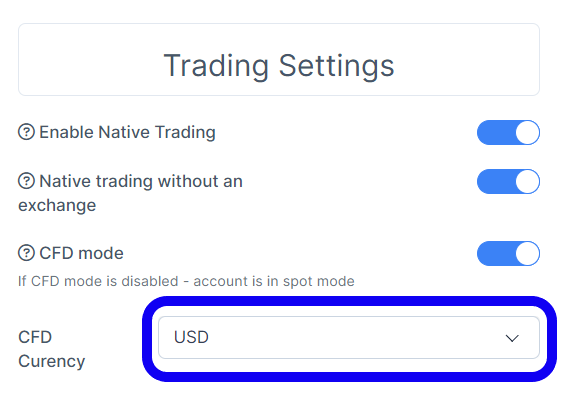
5. In the "Trading Settings" section ensure that the CFD mode is enabled.
Change the CFD Currency in the same-named field.
6. Press "Save" button down below.

ON THE PLATFORM
(STEPS FOR AN AGENT)
1. Head over to the "Manager" tab at the bottom of the left menu.
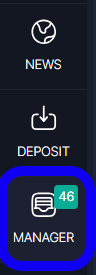
2. Go to the "Users" tab among the top tabs.

3. Find a necessary trader & click on his name.
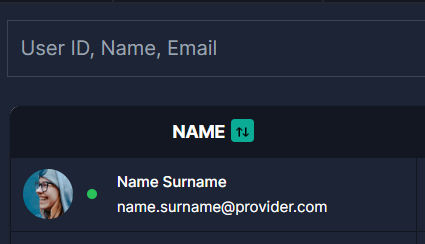
4. Enter the "Edit profile" on the right side of the trader's header.

5. Select a "Profile" tab in the "Account settings" window.
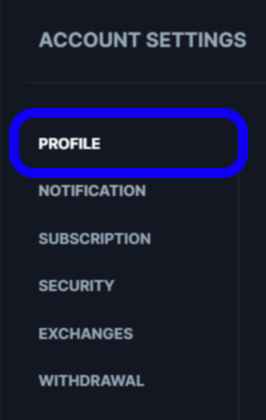
6. Change a currency in the field "Forex CFD currency".

7. Click the "Submit" button below to save changes.

ON THE PLATFORM
(STEPS FOR A TRADER)
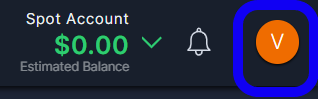
1. Go to the "Account Settings" by pressing on the round orange button in the top right corner.
2. Go to the "Profile" tab.
3. Change a currency in the field "Forex CFD currency".
4. Press the button down below.