How To Create A Task

Published: 2024-11-21 01:44:33
15 Views
Training and Educational Resources


IN THE CRM


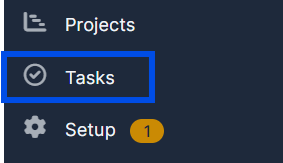
1. Navigate to "Tasks" in the left menu.


2. Click on "New Task" at the top-left of the page.


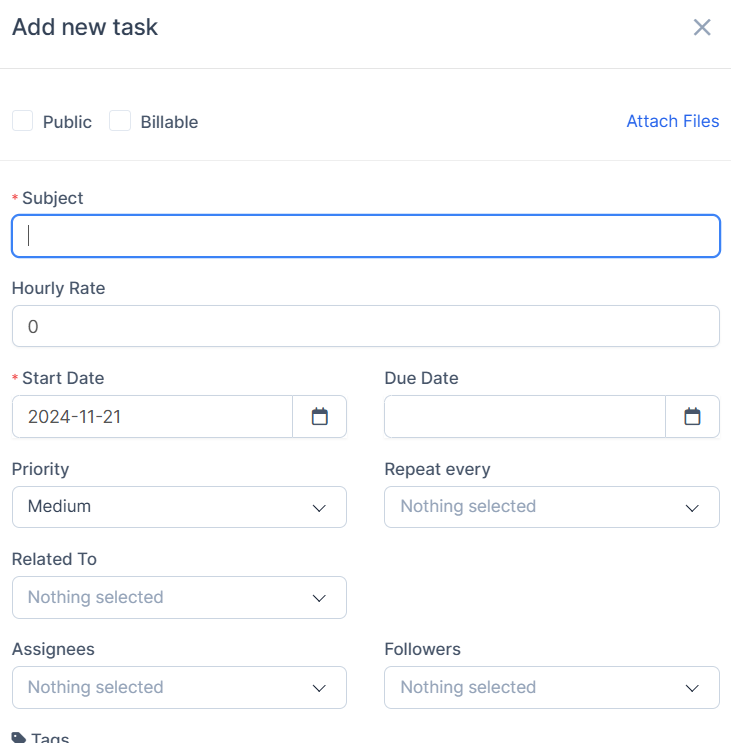
3. Fill in the required information in the fields. Mandatory fields are marked with an asterisk (*).


4. Click "Save" at the bottom-right of the page to create the task.


Did you find this article useful?

  • Add Balance to Account

    1. Make sure that the user is already a trader: Open a Trading account/Convert to Traders. Find "Tr...

  • Applying Subscription

    1. Open the Podcator app: https://app.podcator.com/ 2. Press on "Manager" option on the left side ...

  • Finding FAQ

    To find FAQ visible for every user/admin, use the link: https://crm.podcator.com/knowledge_base Or r...

  • Enabling/disabling practice/real acc

    1. Go to the "Admin" button in the settings on the left side of the page. Press on "Trading" out of...

  • Adding default tokens

    How to make it so the default Watchlist information showed the currencies you want. 1. Set the list ...