IN THE CRM
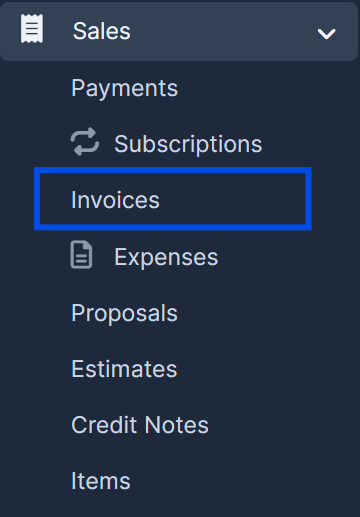
1. Expand "Sales" in the left menu and go to "Invoices".
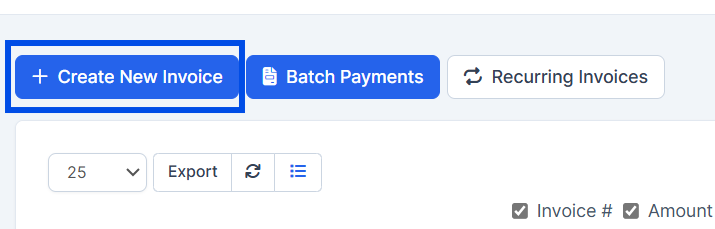
2. Press the "Create New Invoice" button.
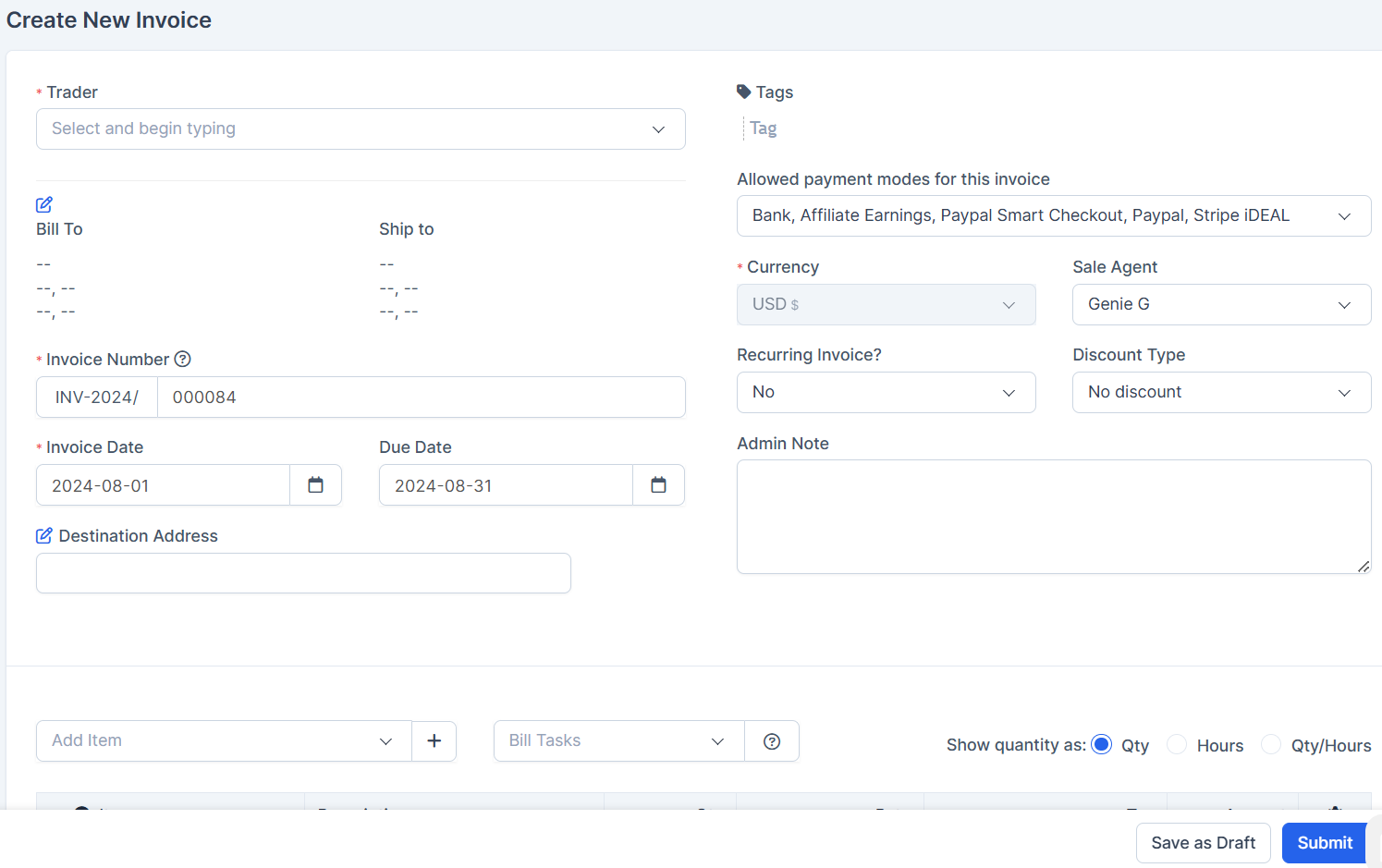
3. Fill in all the mandatory information in the form and press "Submit" to create your new invoice.
Find answers to your questions quickly
IN THE CRM
1. Expand "Sales" in the left menu and go to "Invoices".
2. Press the "Create New Invoice" button.
3. Fill in all the mandatory information in the form and press "Submit" to create your new invoice.