How to Set up the KYC Statuses?
IN THE CRM
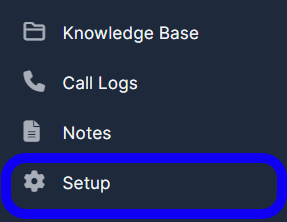
1. Go to "Setup" in the left menu.
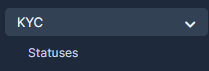
2. Find the "KYC" tab and press on "Statuses" .
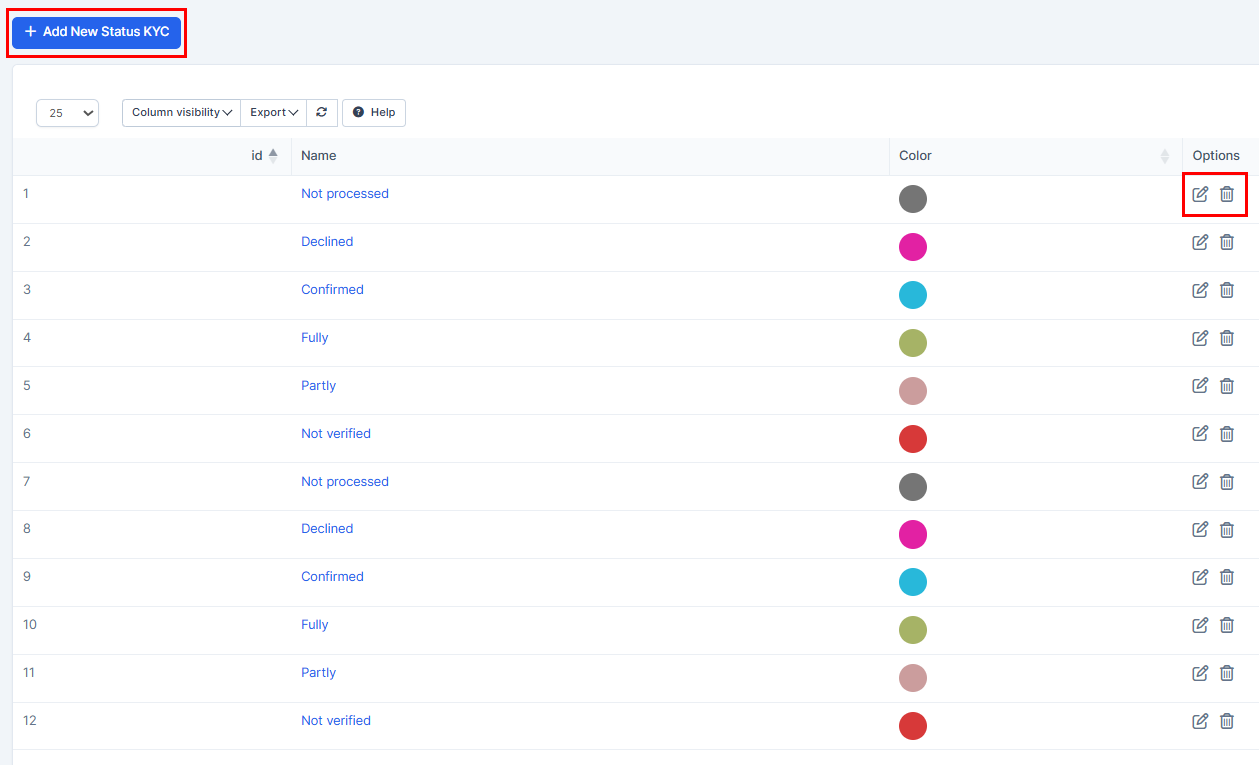
3. There you will be able to find "Statuses", edit or delete them and create "Add New Status KYC".
You may also find this article useful for you: How To Find KYC Identification In The CRM?