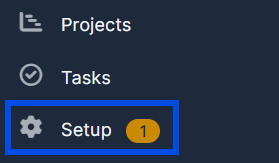
1. Go to "Setup" at the bottom of the settings list.
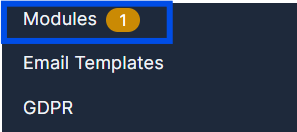
2. In the "Setup" options menu go to the "Modules" button.
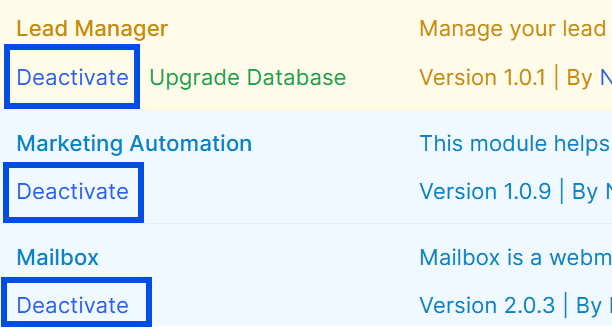
3. Find and choose the Module you want to Deactivate and press "Deactivate".
Find answers to your questions quickly
1. Go to "Setup" at the bottom of the settings list.
2. In the "Setup" options menu go to the "Modules" button.
3. Find and choose the Module you want to Deactivate and press "Deactivate".